

Description
Smart Manager for WooCommerce WordPress
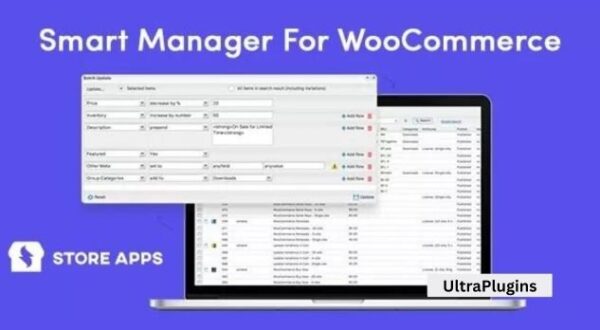
Smart Manager is a premium WooCommerce plugin designed to simplify store management by providing a powerful Excel‑like spreadsheet interface. It allows store owners to manage products, orders, customers, coupons, and other WooCommerce data in bulk, saving time and improving efficiency.
🌐 Overview
- Purpose: Streamline WooCommerce store management with bulk editing and advanced controls.
- Audience: WooCommerce store owners, agencies, and developers managing large catalogs or high order volumes.
- Integration: Works seamlessly with WooCommerce, WordPress, and popular extensions.
🔑 Key Features
- Spreadsheet‑Style Dashboard: Manage products, orders, customers, and more in a single grid view.
- Bulk Editing: Update thousands of records at once (prices, stock, categories, etc.).
- Advanced Search & Filters: Quickly locate specific products, orders, or customers.
- Inline Editing: Make changes directly in the grid without opening individual records.
- Batch Updates: Apply mass changes across multiple items with one click.
- Export & Import: Export data to CSV for reporting or import updates back into WooCommerce.
- Inventory Management: Adjust stock levels, track availability, and manage SKUs efficiently.
- Order Management: Edit order details, statuses, and customer information in bulk.
- Coupon & Subscription Support: Manage promotions and recurring billing seamlessly.
- Performance Optimized: Handles large stores with thousands of products smoothly.
⚙️ How It Works
- Install & Activate: Add Smart Manager to your WooCommerce site.
- Access Dashboard: Open the spreadsheet‑style interface from WordPress admin.
- Search & Filter: Find records using advanced filters.
- Edit & Update: Make inline edits or apply bulk changes.
- Export/Import: Generate reports or update data via CSV.
📊 Comparison Table
| Feature | Standard WooCommerce | With Smart Manager |
|---|---|---|
| Bulk Editing | Limited | Full spreadsheet control |
| Search & Filters | Basic | Advanced, multi‑criteria |
| Order Management | Manual | Bulk + inline editing |
| Inventory Control | Basic | Advanced stock management |
| Data Export | Limited | Full CSV export/import |
⚠️ Considerations
- Premium License: Requires purchase for full features.
- Learning Curve: Spreadsheet interface may take time to master.
- Hosting Performance: Large stores benefit from optimized hosting for smooth operation.
✅ Best For
- Large WooCommerce stores with thousands of products or orders.
- Agencies managing multiple client stores.
- Retailers need efficient inventory and order management.
- Developers seeking advanced bulk editing tools.
In short, Smart Manager for WooCommerce WordPress is a powerful productivity plugin that replaces tedious manual edits with a fast, spreadsheet‑style interface—making it the ultimate tool for managing large stores efficiently.








Reviews
There are no reviews yet.