

Description
JP Students Result Management System Premium – WordPress Plugin
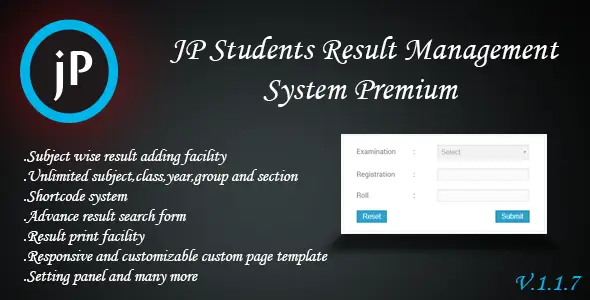
JP Students Result Management System Premium is a comprehensive WordPress plugin designed to simplify academic result publishing and student performance tracking. It enables schools, colleges, universities, and training centers to manage exam results digitally, providing secure access for students, parents, and administrators. With role‑based dashboards, customizable grading systems, and automated result generation, it transforms WordPress into a full‑fledged academic results portal.
🌐 Overview
- Purpose: Digitize student result management and publishing.
- Audience: Schools, colleges, universities, and training centers.
- Platform: WordPress.
🔑 Key Features
- Result Publishing: Upload and display exam results online.
- Custom Grading: Define grading scales, mark distribution, and GPA systems.
- Role‑Based Access: Separate dashboards for admins, teachers, students, and parents.
- Student Profiles: Maintain detailed records of student performance.
- Search & Filter: Students can search for results by roll number, class, or exam.
- Secure Access: Restrict result visibility with login authentication.
- Export Options: Download results in PDF or Excel formats.
- Multi‑Exam Support: Manage multiple exams across different classes and sessions.
- Responsive Design: Optimized for mobile and desktop viewing.
- Notifications: Email or SMS alerts for published results (if integrated).
📊 Benefits
| Feature | Standard WordPress | With JP Result System |
|---|---|---|
| Result Management | Manual uploads | Automated publishing & tracking |
| Grading Flexibility | Limited | Customizable GPA & marks |
| Student Access | Generic pages | Secure, role‑based dashboards |
| Reporting | Manual | Exportable, structured reports |
⚠️ Considerations
- Requires WordPress: Must be installed and active.
- Premium License: Needed for advanced features.
- Configuration Required: Admins must set grading rules and exam structures.
✅ Best For
- Schools & colleges are digitizing exam results.
- Universities manage large student databases.
- Training centers offering structured assessments.
- Agencies are building academic portals for institutions.
In short, JP Students Result Management System Premium is a complete solution for publishing, managing, and securing student exam results in WordPress—streamlining academic workflows and improving transparency for learners and educators.









Reviews
There are no reviews yet.