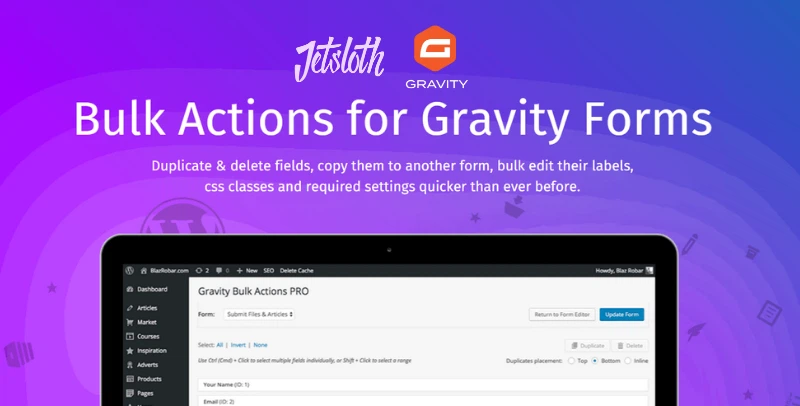
Gravity Forms Bulk Actions Pro – Jetsloth
A premium add-on that streamlines Gravity Forms management by enabling bulk actions on multiple fields at once. You can quickly select, duplicate, delete, reorder, or edit groups of fields instead of handling them individually—saving significant time when working with large or complex forms. Ideal for agencies, survey creators, and businesses managing lengthy forms, it enhances efficiency and workflow by turning hours of manual edits into just a few clicks.
Gravity Forms Bulk Actions Pro by Jetsloth is a premium add-on designed to make managing large, complex forms faster and easier. It allows you to select multiple fields at once, then duplicate, delete, reorder, or edit them in bulk—saving hours of manual work and streamlining workflows.
🌐 Overview
Purpose: Speed up editing and management of Gravity Forms with bulk field actions.
Developer: Jetsloth (certified Gravity Forms developer).
Audience: Site owners, developers, and teams working with long or complex forms.
🔑 Key Features
Bulk Field Selection: One-click options to select all, none, or invert selections.
Duplicate Fields: Copy multiple fields at once, either within the same form or across different forms.
Bulk Delete: Remove multiple fields simultaneously, rather than one by one.
Bulk Reorder: Drag-and-drop multiple fields to reorganise form layouts in seconds.
Cross-Form Copying: Copy selected fields from one form to another for reuse.
Workflow Optimisation: Reduce editing time from hours to minutes when working with large forms.
⚙️ How It Works
Install Plugin: Activate Bulk Actions Pro by Jetsloth.
Open Form Editor: Access any Gravity Form with multiple fields.
Select Fields: Use bulk selection tools (all, none, invert).
Apply Actions: Duplicate, delete, reorder, or edit fields in bulk.
Save & Publish: Updated form is ready with minimal effort.
📊 Comparison Table
Feature
Bulk Actions Pro (Jetsloth)
Standard Gravity Forms
Field Selection
Bulk (all, none, invert)
Manual, one by one
Duplicate Fields
Multiple at once
Single only
Bulk Editing
Labels, CSS, required, etc.
Individual edits only
Cross-Form Copying
Yes
No
Reordering
Bulk drag-and-drop
Single field movement
Efficiency
Minutes
Hours
⚠️ Considerations & Limitations
Paid Add-On: Requires purchase from Jetsloth.
Not included in Gravity Forms license: Sold separately.
Best for large forms: Smaller forms may not benefit as much.
✅ Best For
Agencies managing client forms with many fields.
Survey creators are building long questionnaires.
Educational institutions designing tests or applications.
Businesses with complex registration or order forms.
In short, Jetsloth’s Bulk Actions Pro add-on supercharges Gravity Forms by enabling bulk field management—making editing large forms faster, easier, and more efficient.
🛠️ How to Install GPL Themes & Plugins from GPLFox.com
Click Upload, then select the .zip file you downloaded from GPLFox.
Press Install Now.
3. Activate the Theme or Plugin
Once installed, click Activate.
For themes: your site will immediately switch to the new design.
For plugins: the plugin will be enabled and ready to configure.
4. Configure Settings
Most premium themes/plugins include customization options.
Navigate to the theme’s Customizer or plugin’s Settings panel.
Adjust layouts, features, and integrations as needed.
5. Keep Files Updated
GPLFox provides updated versions regularly.
Re‑download the latest .zip from GPLFox and repeat the upload process to update your theme/plugin.
✅ Tip for Users: Since GPL products don’t require license activation, you can use them right away after installation. Just make sure to keep them up to date for security and compatibility.