


Description
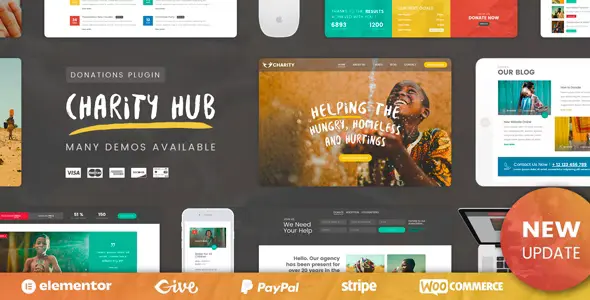
The Charity Foundation WordPress Theme is a powerful non‑profit fundraising WordPress theme designed for NGOs, charities, and fundraising campaigns. This fundraising WordPress template theme includes donation systems, event management, and volunteer registration features. With Elementor support, the WooCommerce Elementor charity template allows drag‑and‑drop customization for causes and events. WooCommerce integration ensures the WooCommerce donation & fundraising theme can handle secure payments and merchandise sales. Fully responsive and retina‑ready, the responsive charity WordPress Template theme delivers seamless performance across devices while boosting visibility through SEO optimization.
🌐 Overview
- Theme Name: Charity Foundation WordPress Theme
- Category: Non‑Profit / Fundraising / NGO WordPress Theme
- Best For: Charities, NGOs, foundations, fundraising campaigns, and community organizations
🎯 Key Features
- Donation System
- Integrated donation forms with progress bars
- Multiple payment gateway support (Stripe, PayPal, WooCommerce)
- Event & Campaign Management
- Create and promote charity events
- Showcase fundraising campaigns with detailed goals
- Elementor Integration
- Drag‑and‑drop customization for pages and layouts
- Pre‑built templates for causes, events, and volunteer pages
- Responsive & SEO Optimized
- Mobile‑friendly, retina‑ready design
- RankMath compatibility for higher search visibility
- Community Engagement
- Volunteer registration forms
- Blog and news sections for updates
📊 Feature Highlights
| Feature | Charity Foundation Benefits |
|---|---|
| Donation System | Secure donations with progress tracking |
| Event Management | Promote charity events & campaigns |
| Elementor Integration | Drag‑and‑drop customization |
| WooCommerce Ready | Merchandise & fundraising products |
| Responsive Design | Mobile‑friendly, retina‑ready |
| SEO Optimization | RankMath compatible |
| Community Engagement | Volunteer forms & blog updates |
👥 Who Should Use Charity Foundation?
- Charities & NGOs – Manage donations and promote causes.
- Foundations – Showcase projects and engage communities.
- Fundraising Campaigns – Track goals and progress online.
- Community Organizations – Recruit volunteers and share updates.
⚠️ Considerations & Trade‑offs
- Plugin Dependencies: WooCommerce required for merchandise sales.
- Customization Depth: Advanced layouts may need Elementor knowledge.
- Content Preparation: Strong visuals and storytelling improve impact.
✅ Final Takeaway
Charity Foundation – WordPress Theme is a powerful non‑profit solution that blends functionality with elegance. With donation systems, event management, WooCommerce integration, and SEO‑ready performance, it’s the ideal choice for charities and NGOs looking to maximize visibility and impact online.







Reviews
There are no reviews yet.