

Description
Buttoner – Multi‑shadow Button for Elementor
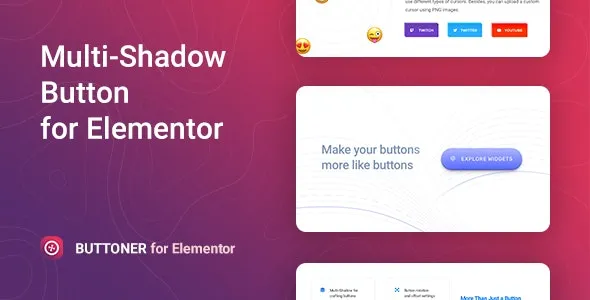
Buttoner is a creative WordPress addon for Elementor that lets you design eye‑catching buttons with advanced multi‑shadow effects. It’s built to enhance call‑to‑action elements, making them more visually appealing and engaging for visitors. Perfect for landing pages, product promotions, or interactive sections, Buttoner helps you highlight important actions with stylish, customizable button designs.
🌐 Overview
- Purpose: Create advanced buttons with multi‑shadow effects.
- Audience: Agencies, freelancers, businesses, bloggers, and e‑commerce sites.
- Integration: Works seamlessly with Elementor’s drag‑and‑drop editor.
🔑 Key Features
- Multi‑shadow Effects: Add layered shadows for depth and emphasis.
- Customizable Styles: Control colors, typography, gradients, and hover states.
- Interactive Hover Effects: Smooth transitions, glow, and highlight animations.
- Flexible Layouts: Rounded, square, outline, and filled button options.
- Icon Support: Add icons to buttons for clarity and style.
- Responsive Design: Optimized for mobile, tablet, and desktop.
- Lightweight Performance: Stylish buttons without slowing down your site.
- Creative Use Cases: Perfect for CTAs, product highlights, sign‑ups, and promotional campaigns.
⚙️ How It Works
- Install & Activate: Add Buttoner to your WordPress site.
- Open Elementor: Access the Multi‑shadow Button widget.
- Add Content: Insert button text, links, and icons.
- Customize Effects: Apply multi‑shadow layers, hover animations, and styles.
- Publish: Display engaging buttons that boost conversions and user interaction.
📊 Comparison Table
| Feature | Default Elementor | Buttoner Addon |
|---|---|---|
| Multi‑shadow Effects | No | Yes |
| Advanced Hover Styles | Limited | Multiple |
| Icon Integration | Basic | Full support |
| Responsive Design | Partial | Fully optimized |
⚠️ Considerations
- Requires Elementor: Works only with Elementor installed.
- Design Balance: Use shadows strategically to avoid cluttered visuals.
✅ Best For
- Agencies & freelancers designing high‑impact landing pages.
- Businesses & e‑commerce stores highlighting CTAs and promotions.
- Bloggers & creators adding stylish interactive buttons.
- Corporate sites are improving user engagement with modern button designs.
In short, Buttoner – Multi‑shadow Button for Elementor is a creative addon that transforms ordinary buttons into visually striking, interactive CTAs with layered shadow effects and full customization.









Reviews
There are no reviews yet.