

Description
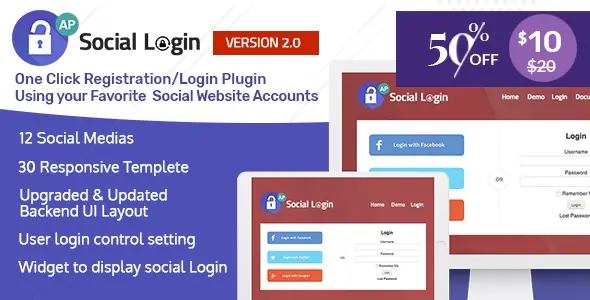
AccessPress Social Login is a premium WordPress plugin that allows users to log in, register, or access your website using their existing social media accounts. It simplifies the login process, improves user experience, and helps site owners increase engagement by reducing friction in account creation.
🌐 Overview
- Purpose: Provide social media login and registration options for WordPress sites.
- Audience: Blogs, eCommerce stores, membership sites, forums, and communities.
- Integration: Works with popular social networks and the WordPress user management system.
🔑 Key Features
- Multiple Social Networks: Supports Facebook, Twitter, LinkedIn, Google, Instagram, and more.
- Frontend Login & Registration: Users can sign in or register directly from the front end.
- Customizable Buttons: Style social login buttons to match your site’s branding.
- Redirect Options: Redirect users after login to specific pages (dashboard, profile, custom URL).
- User Profile Integration: Automatically fetches user profile data from social accounts.
- Shortcode & Widget Support: Place login buttons anywhere on your site.
- Email Notifications: Admins receive alerts for new user registrations.
- Translation Ready: Compatible with multilingual sites.
- Responsive Design: Works seamlessly across devices.
⚙️ How It Works
- Install Plugin: Activate AccessPress Social Login in WordPress.
- Configure Social Apps: Connect your site with social media APIs (e.g., Facebook App ID).
- Place Buttons: Use shortcodes, widgets, or built-in options to display login buttons.
- User Login: Visitors log in with their social accounts, and WordPress creates or links their profile.
- Admin Control: Manage users, set redirects, and customize button styles.
📊 Comparison Table
| Feature | AccessPress Social Login | Default WordPress |
|---|---|---|
| Social Login | Yes (multiple networks) | No |
| Custom Redirects | Supported | No |
| Profile Data Fetch | Yes | No |
| Shortcode/Widget | Yes | Limited |
| Responsive Design | Yes | Theme-dependent |
⚠️ Considerations & Limitations
- API Setup Required: Each social network requires app credentials (App ID/Secret).
- Premium Plugin: Advanced features available in the Pro version.
- Data Privacy: Ensure compliance with GDPR and local data protection laws.
✅ Best For
- Membership sites need quick user onboarding.
- eCommerce stores simplifying checkout and account creation.
- Blogs & communities encouraging engagement through easy login.
- Businesses want to reduce login friction and boost conversions.
In short, AccessPress Social Login makes it easy for users to access your WordPress site using their favorite social media accounts, improving convenience, engagement, and overall user experience.









Reviews
There are no reviews yet.