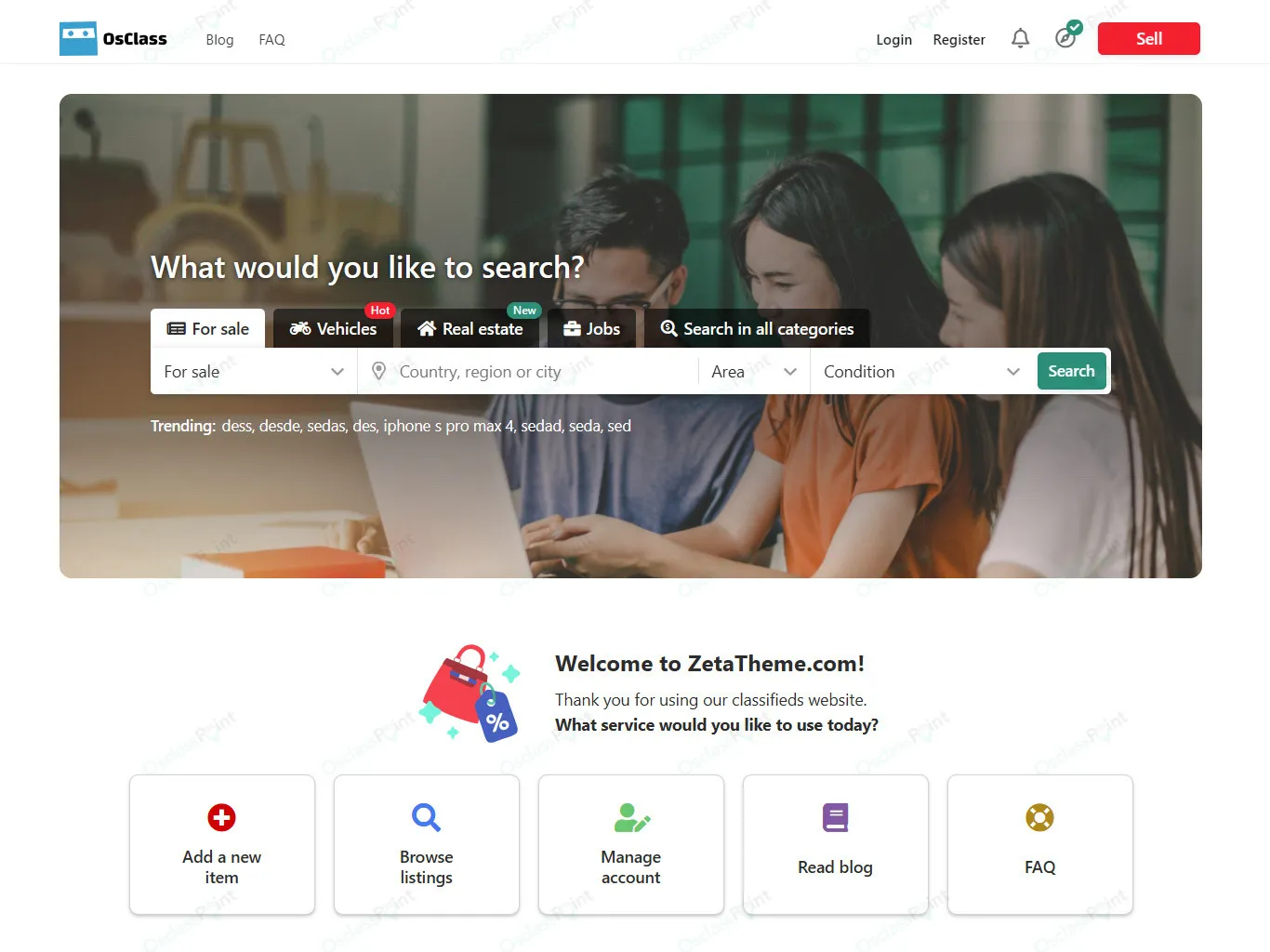
Zeta Osclass Theme – Premium Responsive Template for Osclass CMS is a state-of-the-art, fully responsive theme designed specifically for the Osclass Classifieds CMS. Built on the solid foundations of the popular Epsilon Theme, Zeta offers advanced features, a modern and clean design, and extensive customization options, making it the ultimate choice for creating a professional classifieds or marketplace website.
✨ Key Features
- Responsive Design
Ensures your site looks great on any device—desktop, tablet, or smartphone—with a layout that adapts seamlessly.
- Modern & Clean UI
Sleek, user-friendly design optimized for classifieds and marketplace functionality.
- Advanced Customization
Flexible options to personalize layouts, colors, fonts, and components without coding.
- Built on Epsilon Framework
Offers stability, speed, and scalability with enhanced performance compared to standard Osclass themes.
- Front & Back Office Demos
Preview both user-facing and admin interfaces to understand the theme’s full capabilities.
- Frequent Updates
Regularly maintained with new features, bug fixes, and compatibility improvements.
- SEO-Friendly Structure
Optimized for search engines to help your classifieds site rank higher and attract more traffic.
🛠️ Technical Highlights
- Compatible with Osclass version 8.1+
- Current version: 1.4.5
- Last updated: December 2025
- Over 40+ updates released since launch
- Lightweight, fast-loading, and optimized for performance
- Retina-ready and translation-ready for global audiences
🎯 Why Choose Zeta?
Zeta is ideal for classifieds websites, online marketplaces, and directory platforms that need a professional, responsive, and customizable solution. Its combination of modern design, advanced customization, and frequent updates ensures long-term reliability and scalability for your business.
🛠️ How to Install GPL Themes & Plugins from GPLFox.com
1. Download Your Theme or Plugin
- Visit GPLFox.com and log in to your account.
- Browse or search for the theme/plugin you want.
- Click Download to get the
.zip file onto your computer.
2. Install via WordPress Dashboard
- Log in to your WordPress Admin Panel.
- Go to:
- Themes → Appearance > Themes > Add New > Upload Theme
- Plugins → Plugins > Add New > Upload Plugin
- Click Upload, then select the
.zip file you downloaded from GPLFox. - Press Install Now.
3. Activate the Theme or Plugin
- Once installed, click Activate.
- For themes: your site will immediately switch to the new design.
- For plugins: the plugin will be enabled and ready to configure.
4. Configure Settings
- Most premium themes/plugins include customization options.
- Navigate to the theme’s Customizer or plugin’s Settings panel.
- Adjust layouts, features, and integrations as needed.
5. Keep Files Updated
- GPLFox provides updated versions regularly.
- Re‑download the latest
.zip from GPLFox and repeat the upload process to update your theme/plugin.
✅ Tip for Users: Since GPL products don’t require license activation, you can use them right away after installation. Just make sure to keep them up to date for security and compatibility.